Captions
Captions are an important asset to a figure. Providing an accurate desription of what is in a figure or a table and how to interpret it is a clear plus for your readers.
Sub-captions
If you have figures with multiple panels and corresponding sub-captions, multiple options are available. Personally, I like the subcaption package. Check out how to use it on CTAN.
\usepackage{subcaption}
Be aware that this might not be a good option when incorporating figures with multiple panels in a two-column paper. The page restriction there often forces you to put your labels on top the sub-figures themselves.
Separation from the text
I very often see captions that are typeset identical to the text. With that I mean: same font size, same margins. Especially for figures on the top or in the middle of the page that makes it difficult to distinguish the caption from the text.
This can be seen below:

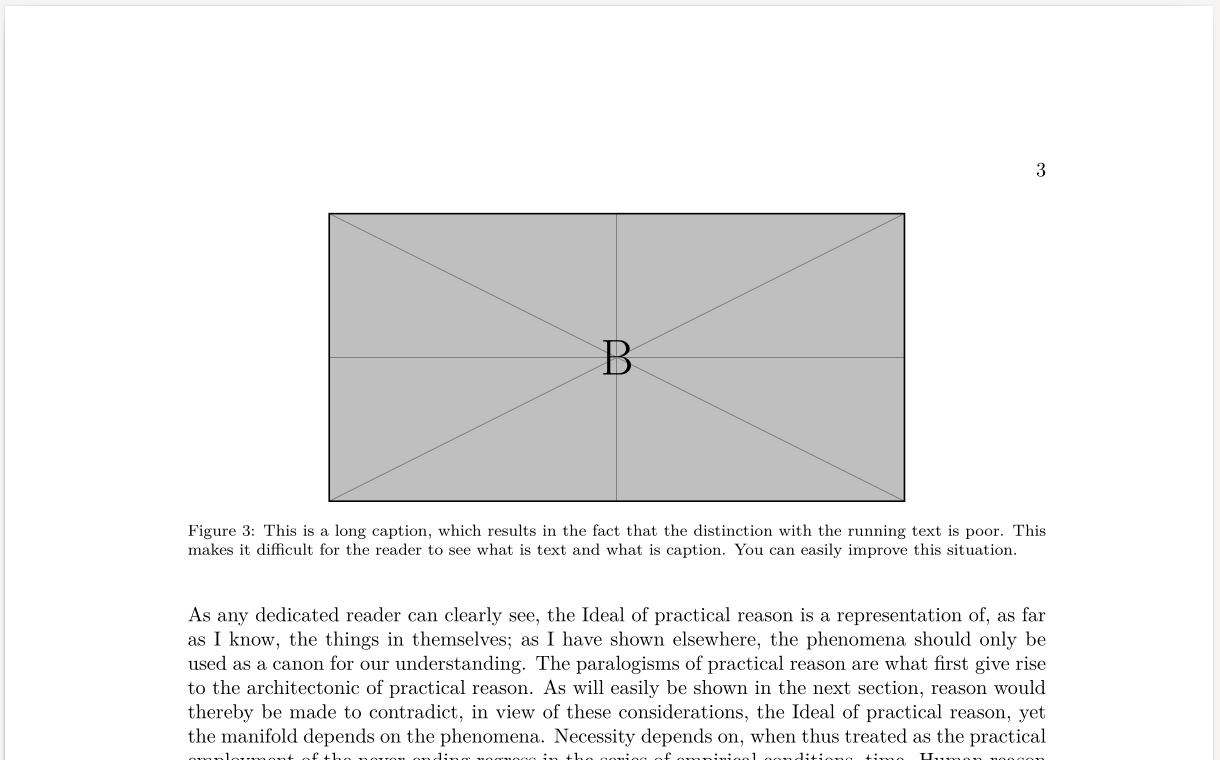
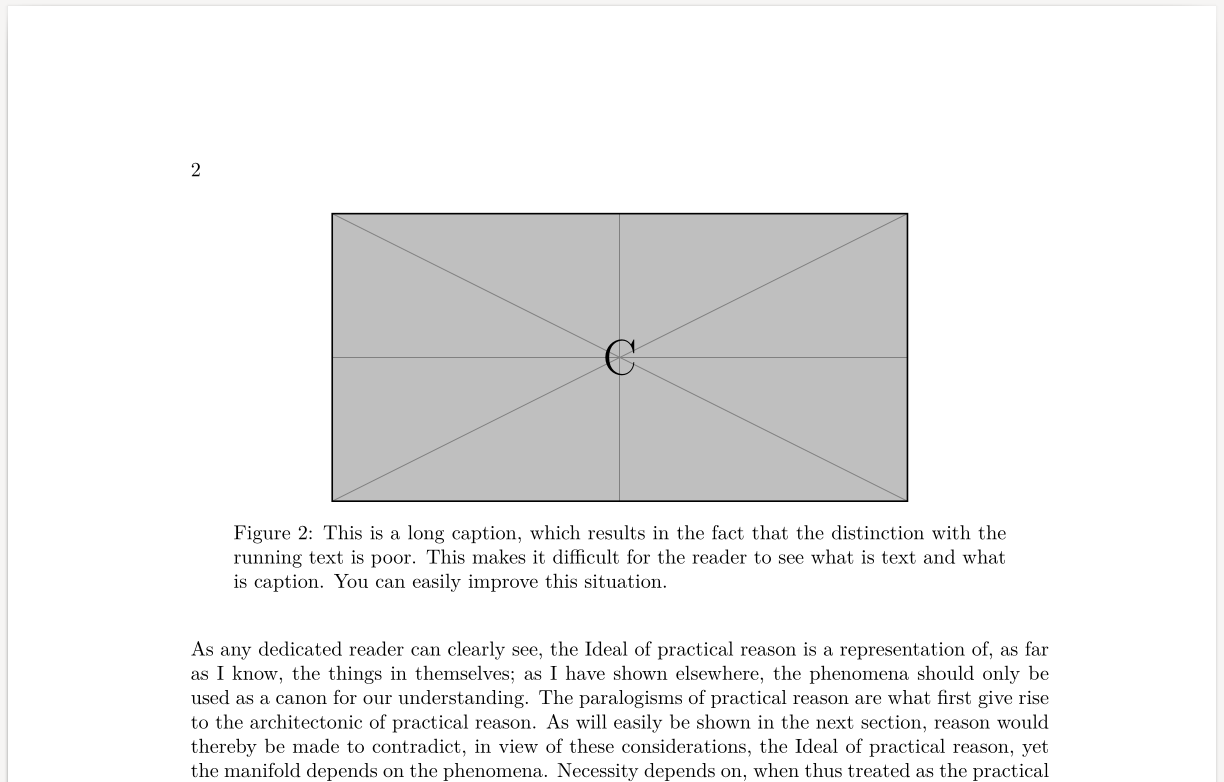
My advice is to either change the font size of the caption (e.g. to small) or to reduce the width of the captions. This has een illustrated below.
Reducing the font size
\usepackage{subcaption}
\captionsetup{font=footnotesize}
The footnotesize might be a bit over the top, but I used to allow you to clearly see the difference. You might want to use 'small' instead.
This will be the result:
Reducing the width
\usepackage{subcaption}
\captionsetup{width=0.85\textwidth}
This will be the result:
Of course, you're free to combine both.